Players whose chip balance is running low, or who need a larger amount, can choose from 101 Okey chip packages in different sizes on Kopazar.
Buy Soho 101 Okey chips
You can buy 101 Okey chips through Kopazar quickly and securely. Once you have chosen the Soho 101 chip package that suits you, complete your order and receive the product digitally.
Kopazar offers a wide range of options, from small packages to very large ones. That way both players who want to buy a small amount of 101 chips and users who need a much higher chip balance can easily pick a package that fits.
Soho 101 Okey chip prices
Soho 101 Okey chip prices vary according to the amount of chips you buy. Kopazar offers package options to suit different budgets, so users can choose according to the amount they need. Current prices for every package are shown in the list at the top of this page.
How is a Soho 101 Okey chip delivered?
After your payment is confirmed, your order is delivered digitally to your Kopazar account. You can then use the code you receive to add the chips to your Soho 101 Okey account and carry on playing. If you have any trouble at any step, our live support team is available 24/7.
How to redeem a Soho 101 Okey gift card
You can redeem theSoho 101 Okey gift cardcode you bought on Kopazar.com in a few steps.
1. Get your PIN code
Once the purchase is complete, view thePIN codein "My E-Pin orders" on Kopazar.com.
2. Open the gift card page
Go to https://giftcard.soho101okey.com/.
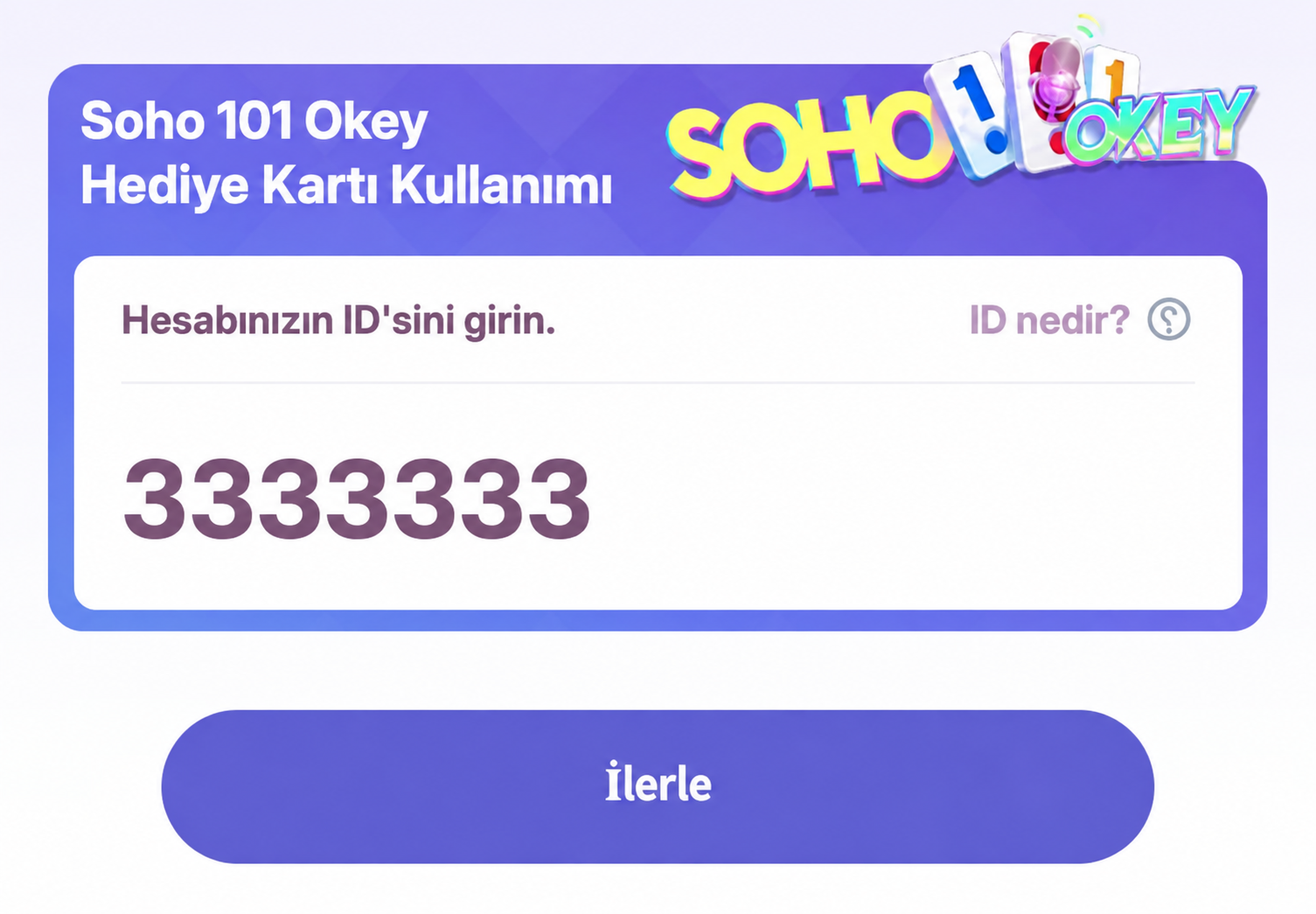
Copy youraccount IDfrom inside the game, paste it in the field, then click"Continue".

3. Redeem the PIN code
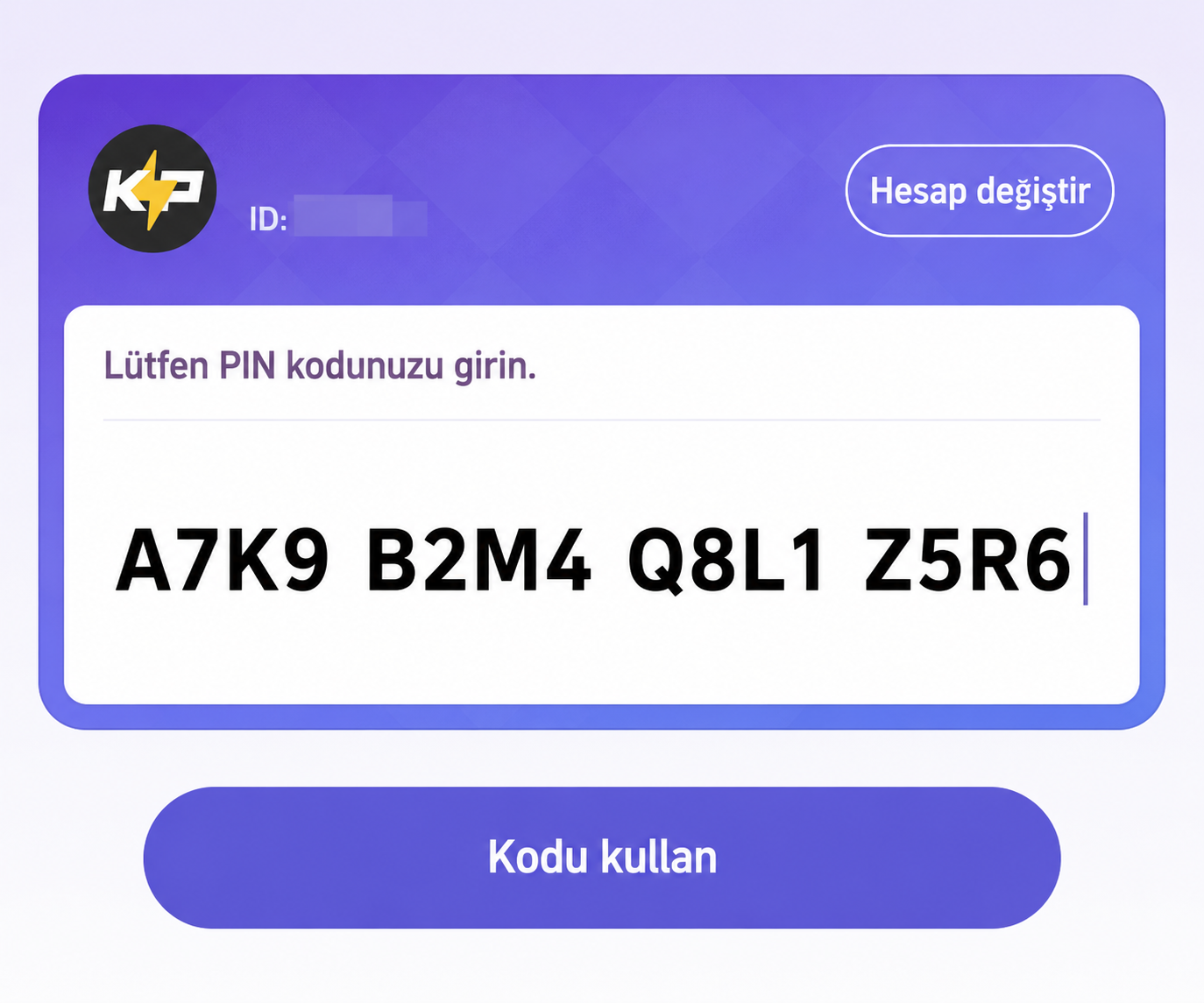
Enter thePIN codeyou bought on Kopazar.com in the field and click"Redeem code".

4. Done
When you see"Redeemed successfully"on the screen, the top-up is complete.
The chips or in-game content you bought are sent to your account automatically.
5 yildir kullaniyorum hep memnunum